Snap the notes. Skip the writing. Master the class.
Professors erase the board before you finish copying. Snap every panel of a multi-panel whiteboard and get one continuous study note: summary, LaTeX, and the board’s diagrams cropped in.

Professors erase the board before you finish copying. Snap every panel of a multi-panel whiteboard and get one continuous study note: summary, LaTeX, and the board’s diagrams cropped in.
Lecture capture today is a camera roll problem, not a note-taking problem. The knowledge is photographed, but it is never usable again.
The board wipes at minute 22. Half your derivation ends at a chalk smear and a sentence with no verb.
400 board photos mixed in with everything else on your phone. Hard to search, never sorted, rarely opened before the exam.
The one drawing that explains the lecture is IMG_2043: at an angle, out of focus, and nowhere near the notes it belongs with.
What turns a burst of board photos into a page you would actually revise from.
Panels captured minutes apart are lined up into one continuous note, with repeated headings collapsed and a list that runs onto the next board carried on where it left off.
Integrals, limits, vectors and matrices come back typeset as real LaTeX, with the photo they came from one tab away.
A graph, a circuit, a labelled sketch: cut straight from your own photo and set under the heading it belongs to. It goes into the PDF with the rest of the note.
Covers the note and asks you the question first, from the Cornell cues written for its sections. Revise, not just read.
One search across every subject, chapter and note.
Saved notes open with no connection: on the train, in the basement lecture hall, on the flight home.
From the back row to one clean note, usually in about a minute.
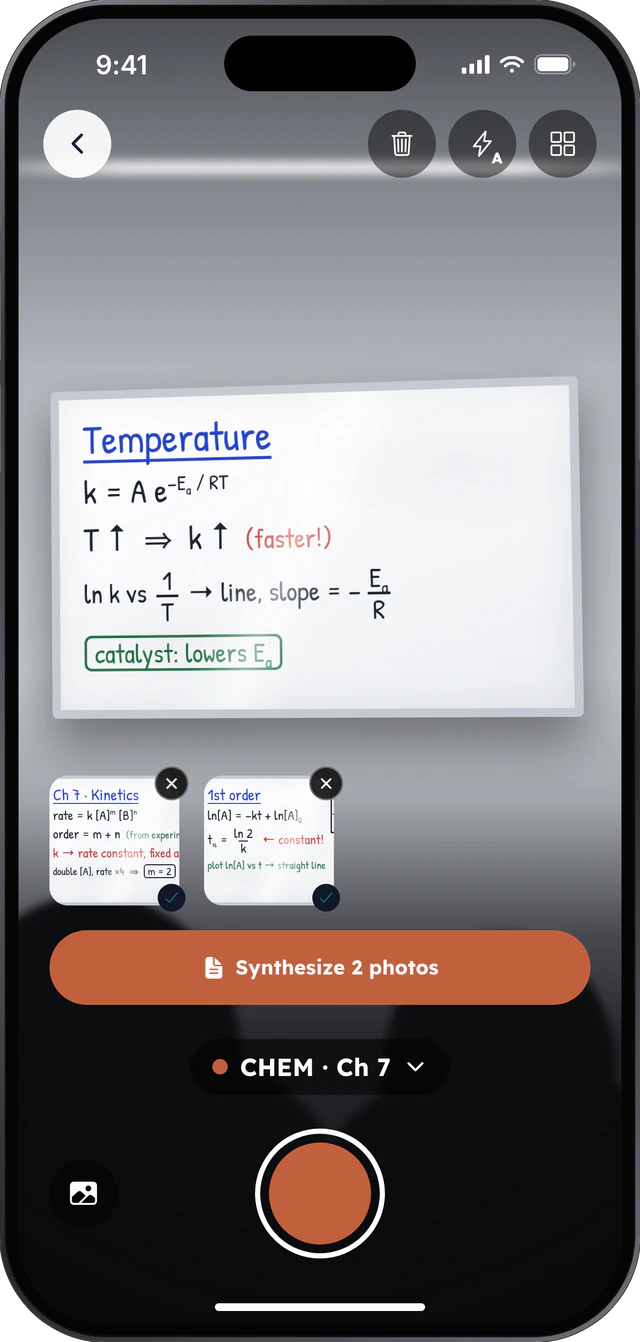
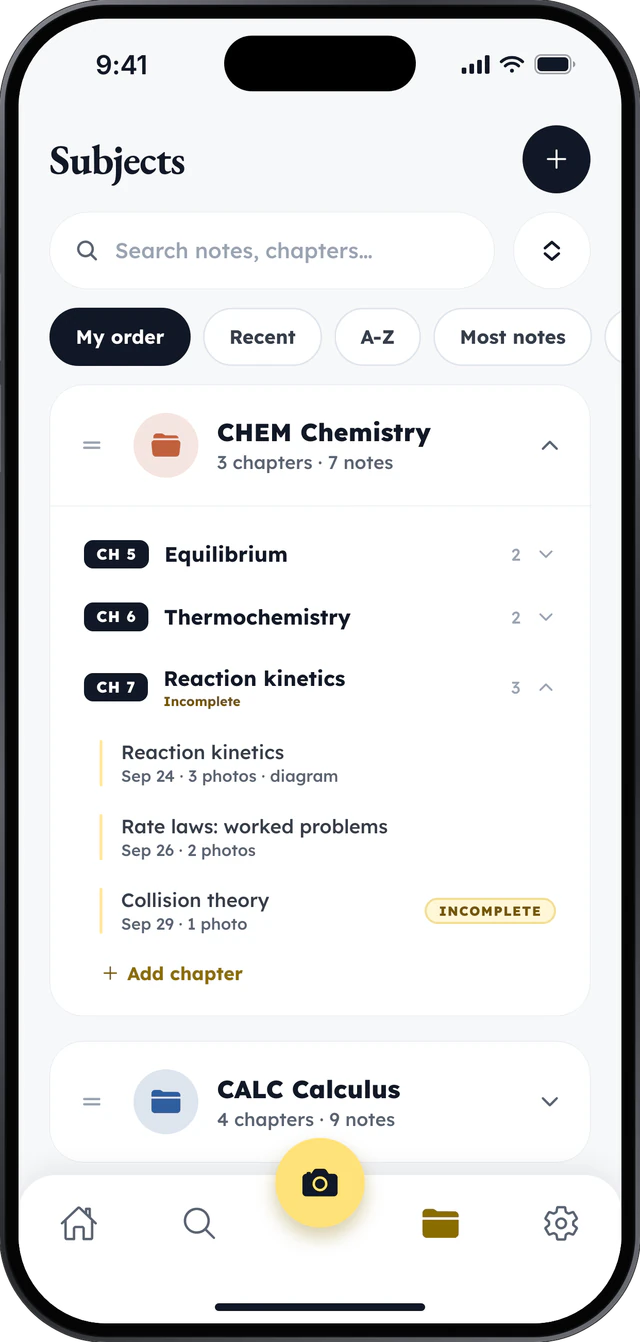
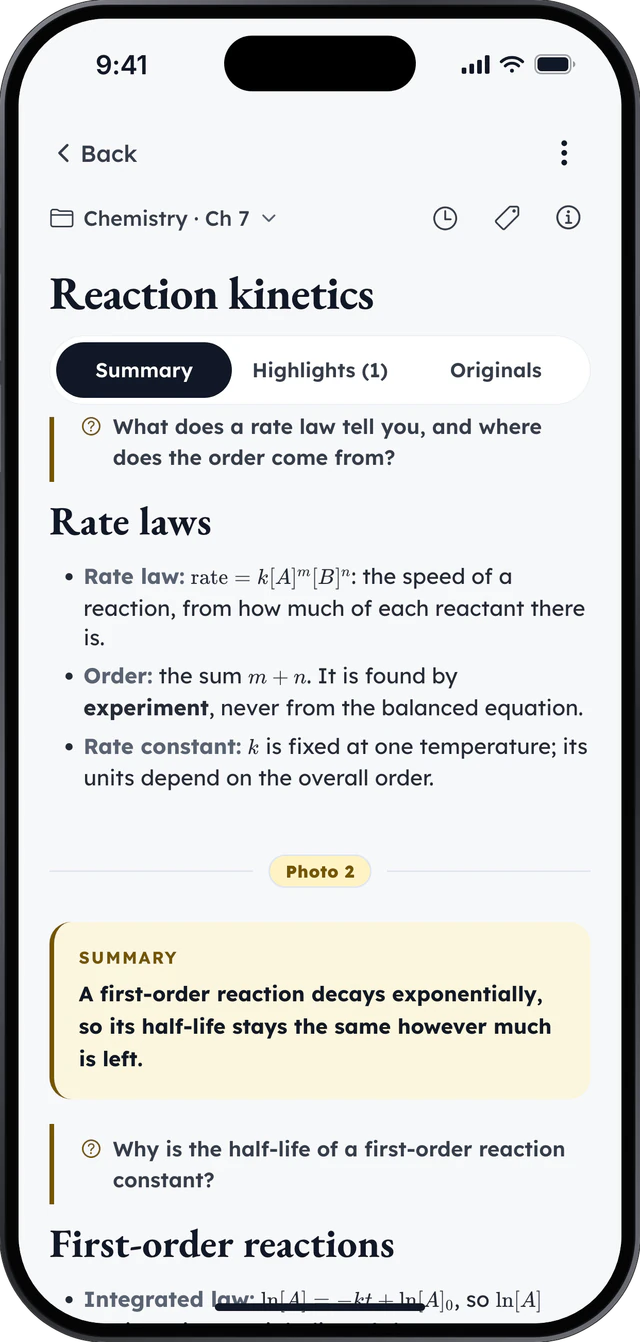
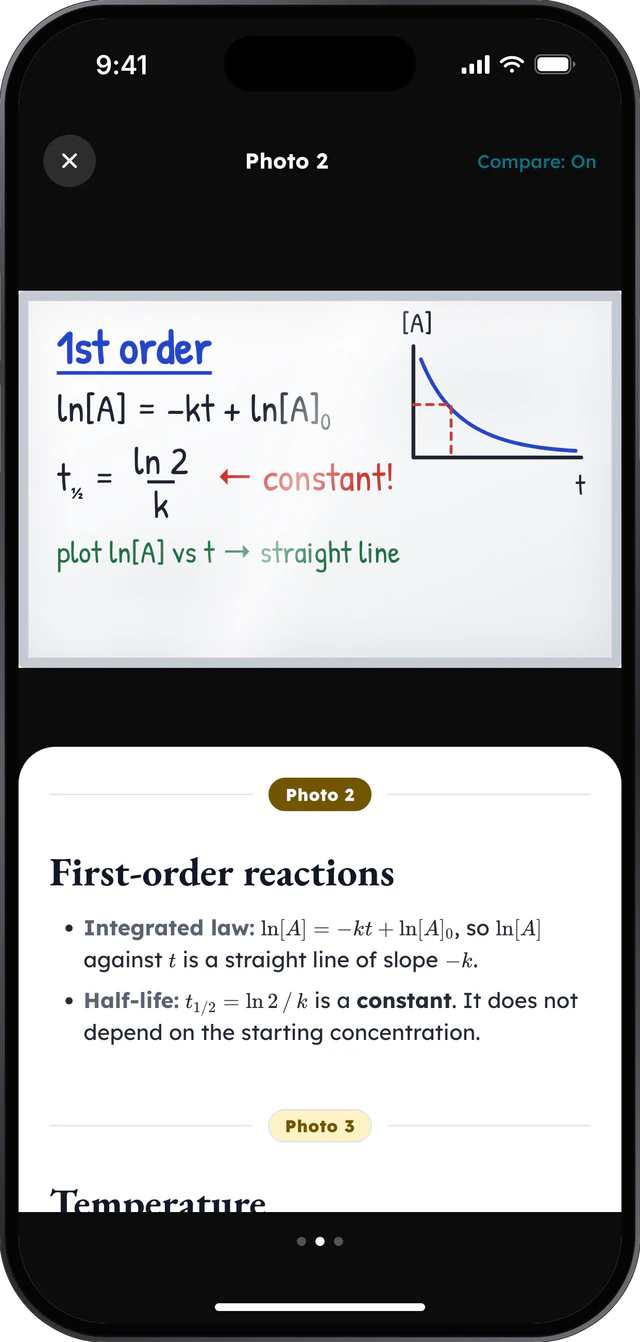
Showing step 1: Point, zoom, multi-snap
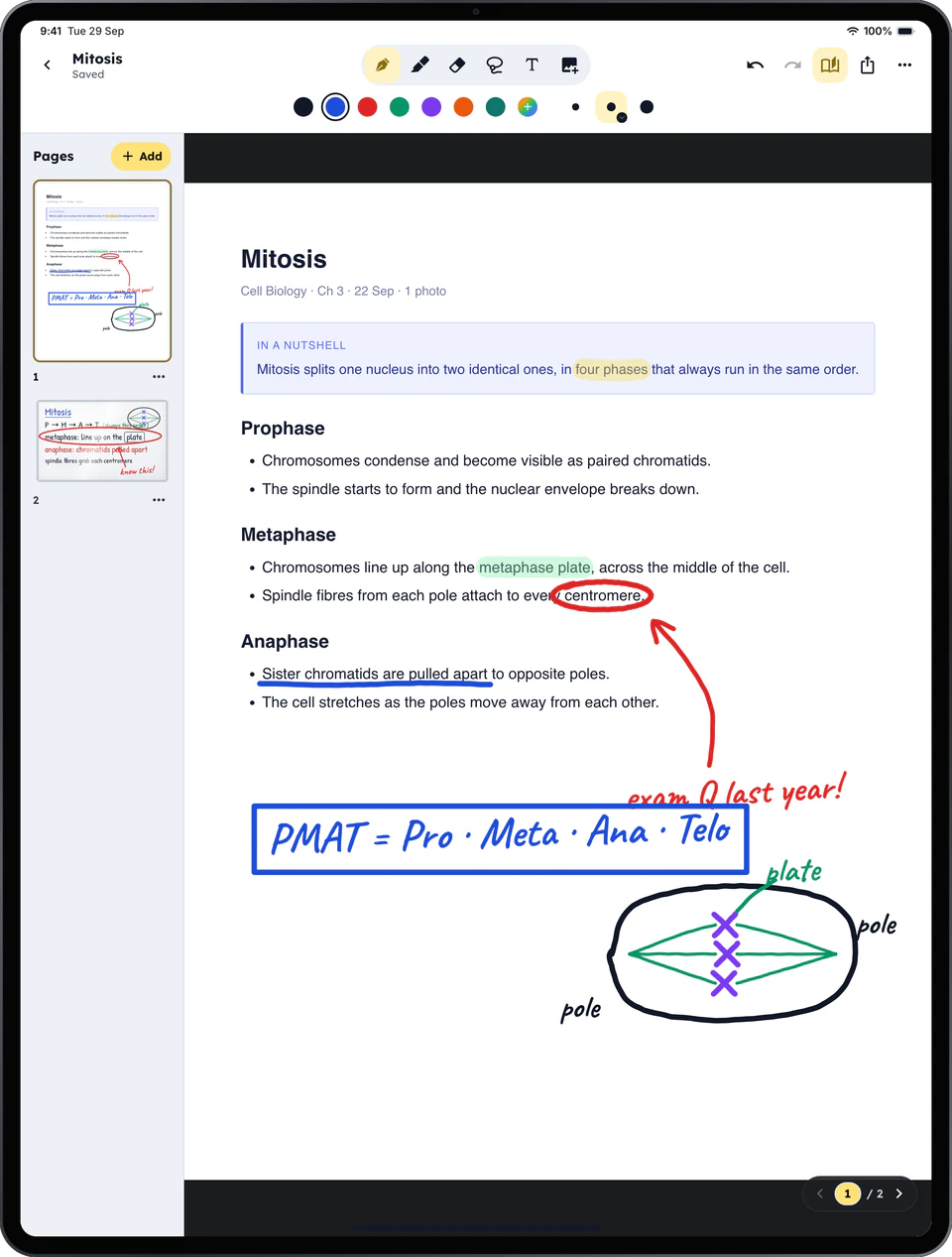
On iPad, every lecture becomes a page you can write on. Highlight the line that will be on the exam, circle what you did not follow, draw the diagram beside it.
Yearly plans start with a 3-day free trial for eligible new subscribers. Cancel at least 24 hours before it ends and you won't be charged.
Plans are bought in the LectureCam app, through the App Store.
Prices in US dollars, charged in US dollars at checkout.
The prices here are a guide: in the iPhone and iPad app, the App Store shows and charges its own price, in your currency.
Your whole timetable, covered.
That’s $3.08 a month
For lab-heavy and STEM timetables.
That’s $5.50 a month