Everything a lecture needs, on one page
What turns a burst of board photos into a page you would actually revise from.
Every board, one note
Panels captured minutes apart are lined up into one continuous note, with repeated headings collapsed and a list that runs onto the next board carried on where it left off.
Scrawled maths, typeset
Integrals, limits, vectors and matrices come back typeset as real LaTeX, with the photo they came from one tab away.
Diagrams, cropped in
A graph, a circuit, a labelled sketch: cut straight from your own photo and set under the heading it belongs to. It goes into the PDF with the rest of the note.
Recall mode Pro
Covers the note and asks you the question first, from the Cornell cues written for its sections. Revise, not just read.
Find the line you half remember
One search across every subject, chapter and note.
No signal? Still your notes
Saved notes open with no connection: on the train, in the basement lecture hall, on the flight home.
Your notes, your handwriting
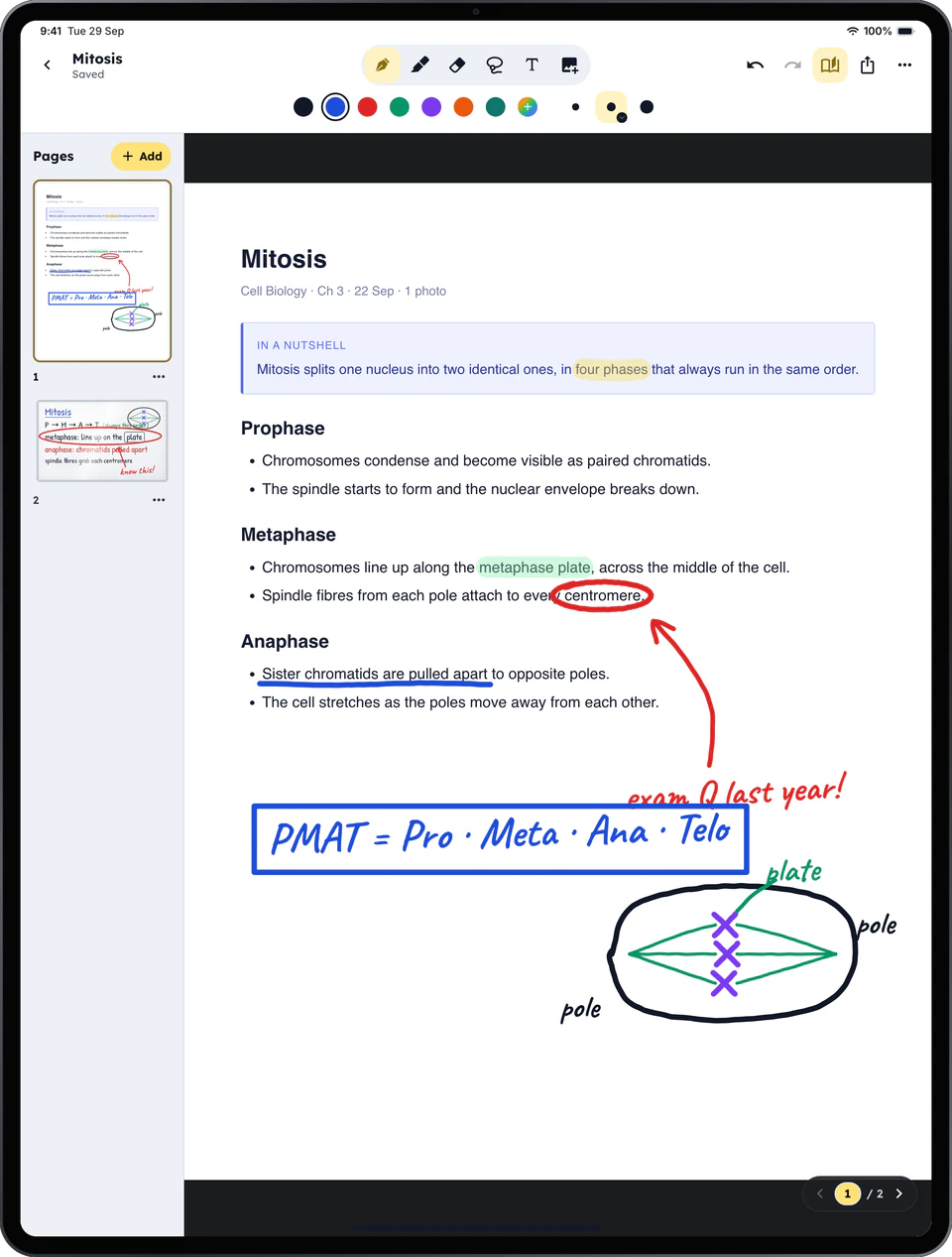
On iPad, every lecture becomes a page you can write on. Highlight the line that will be on the exam, circle what you did not follow, draw the diagram beside it.
- Write on any lecture and on its board photos
- Bring your slides: import or share a PDF, PowerPoint, Word or Excel file and write on it
- Notebooks of your own: blank, lined, grid or dotted
- Pen, highlighter, eraser, shapes and lasso, made for Apple Pencil, each size set on a slider
- One app and one account: the same notes wherever you sign in